Staff attendance and shifts
Shifts with grace periods, your own lateness and half-day thresholds, a holiday calendar, corrections with approval, and monthly totals that feed payroll without re-keying.
Who uses it: HR and the administrator, with every staff member using self-service.
What it handles
Staff attendance
Record staff attendance with check-in and check-out times, and let EDUTIG decide present, late, half day or absent from your own thresholds.
- Attendance is entered in EDUTIG by an administrator, or by staff through a correction request. Attendance devices are not connected.
Shifts and attendance policy
Define shifts with start and end times, grace periods and working days, assign them to staff from a date, and set the school's own lateness and half-day rules.
Holiday calendar
Keep a holiday calendar for the school or a single campus, so holidays and weekly offs are not counted against anyone.
Staff self-service
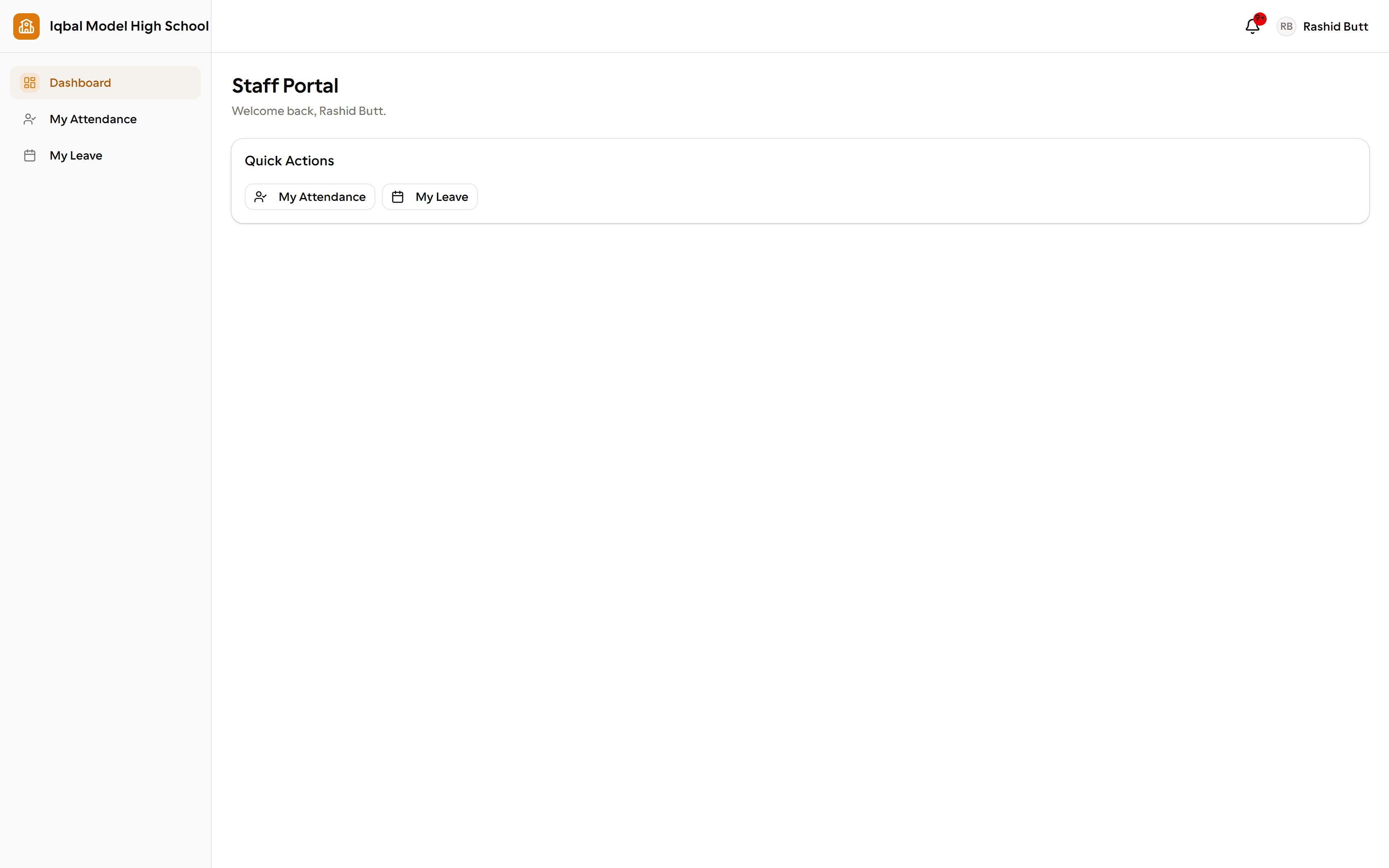
Staff see their own attendance and monthly totals in their portal and can request a correction with a reason for HR to review.
Attendance-based deductions
Unpaid absences are deducted automatically from the month's attendance, while approved paid leave is never penalised.
- Deductions are optional and can be switched off, and the daily rate can be based on gross or basic pay.
- Attendance must be recorded for the month, or that person is skipped rather than paid incorrectly.
How the work flows
Define shifts
Start and end times, grace minutes, the working days they apply to, and the minimum hours that count as a full or half day. Staff are assigned a shift from a date.
Set the rules once
Your own thresholds decide when a check-in becomes late, a half day or an absence, and whether backdating and weekend marking are allowed at all.
Mark the day
Record attendance with check-in and check-out times and let EDUTIG decide the status, or mark everyone still unmarked as absent in one action.
Staff check their own
Every staff member sees their own attendance and monthly totals in their portal and can request a correction with a reason.
Payroll picks it up
Monthly working days, payable days and deduction days are calculated and handed to payroll. Approved paid leave is never penalised.
What you need first
- Staff records with their department, and a shift assigned or a default shift set.
- A holiday calendar, so holidays and weekly offs are not counted against anyone.
How it behaves
- Attendance is entered by an administrator, taken from a connected device, or corrected on a staff request.
- There is no self check-in button for staff; the daily record is entered by the office.
- Holiday and weekly-off rows appear once attendance is processed for the day rather than being pre-filled.
In development for this area
Being built now, not yet available. Each line says what happens today instead.
Statutory tax in payroll
Salary components are fixed amounts you set today. Formula-based components and statutory tax deductions are being built.
Staff self check-in
Staff attendance is entered by the office today, with a correction request if something is wrong. A self check-in for staff is being built.