Five portals, so everyone sees their own work

EDUTIG is one system with five ways in. A teacher does not wade through the accounts office, and a parent sees their own children and nobody else's.

School administrators

The main workspace: admissions, students and guardians, the academic setup, fees, expenses, staff, reports and settings.

What they see

  • Everything their role is permitted to open
  • Fee invoices, receipts and collection reports
  • Staff records, leave approvals and payroll
  • Announcements for the whole school
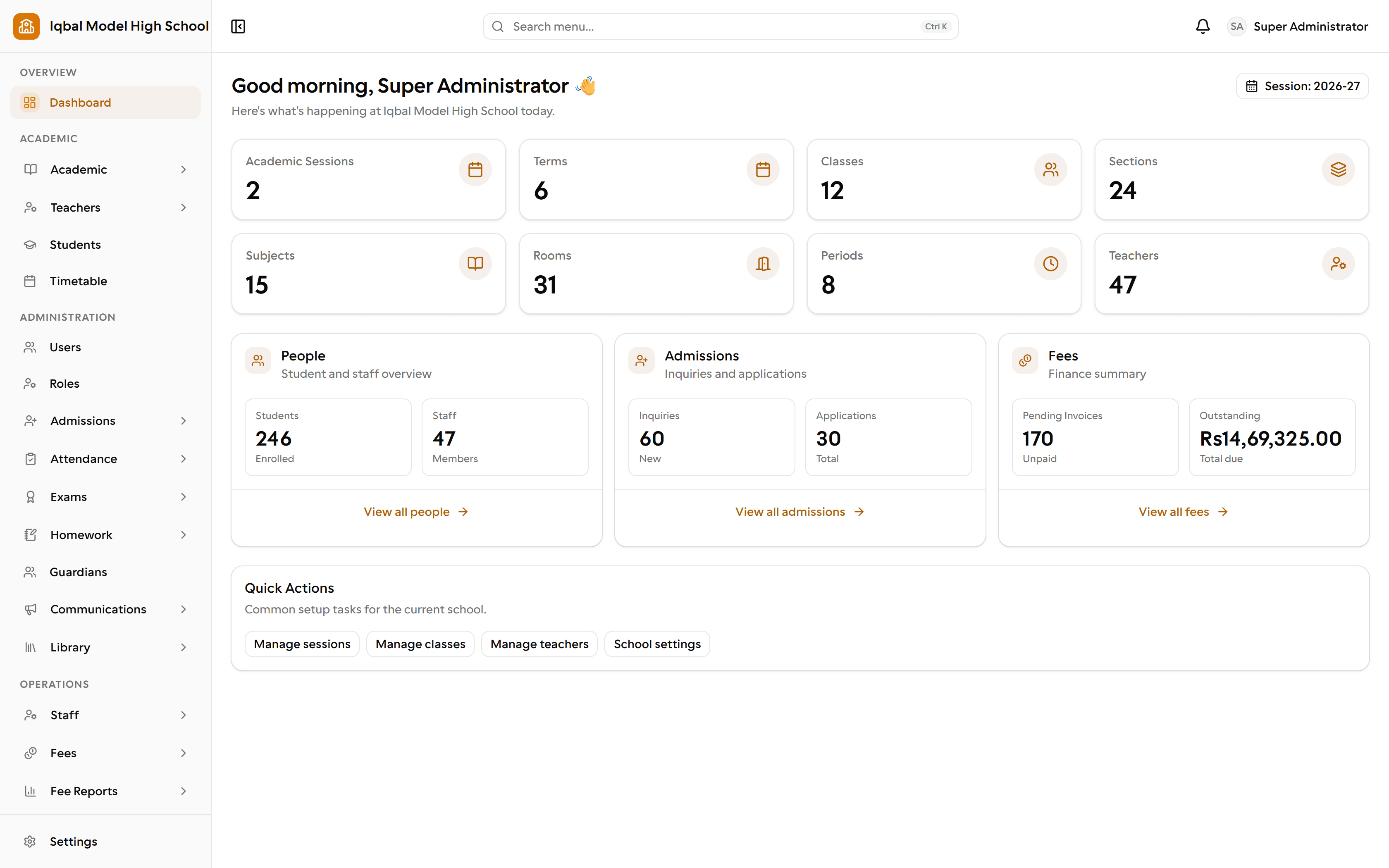
The EDUTIG administrator dashboard. Eight tiles count terms, classes, sections, subjects, rooms, periods and teachers. Below them, three panels summarise enrolled students and staff, admission inquiries and applications, and unpaid invoices with the total amount due.
The administrator dashboard: the school's structure, people, admissions and outstanding fees on one screen.

Teachers

Their own timetable and classes, daily attendance, homework they set and grade, and marks for their subjects.

What they see

  • Their assigned classes and subjects only
  • The daily register for their class
  • Homework they set, and submissions to grade
  • Marks entry for their own subjects
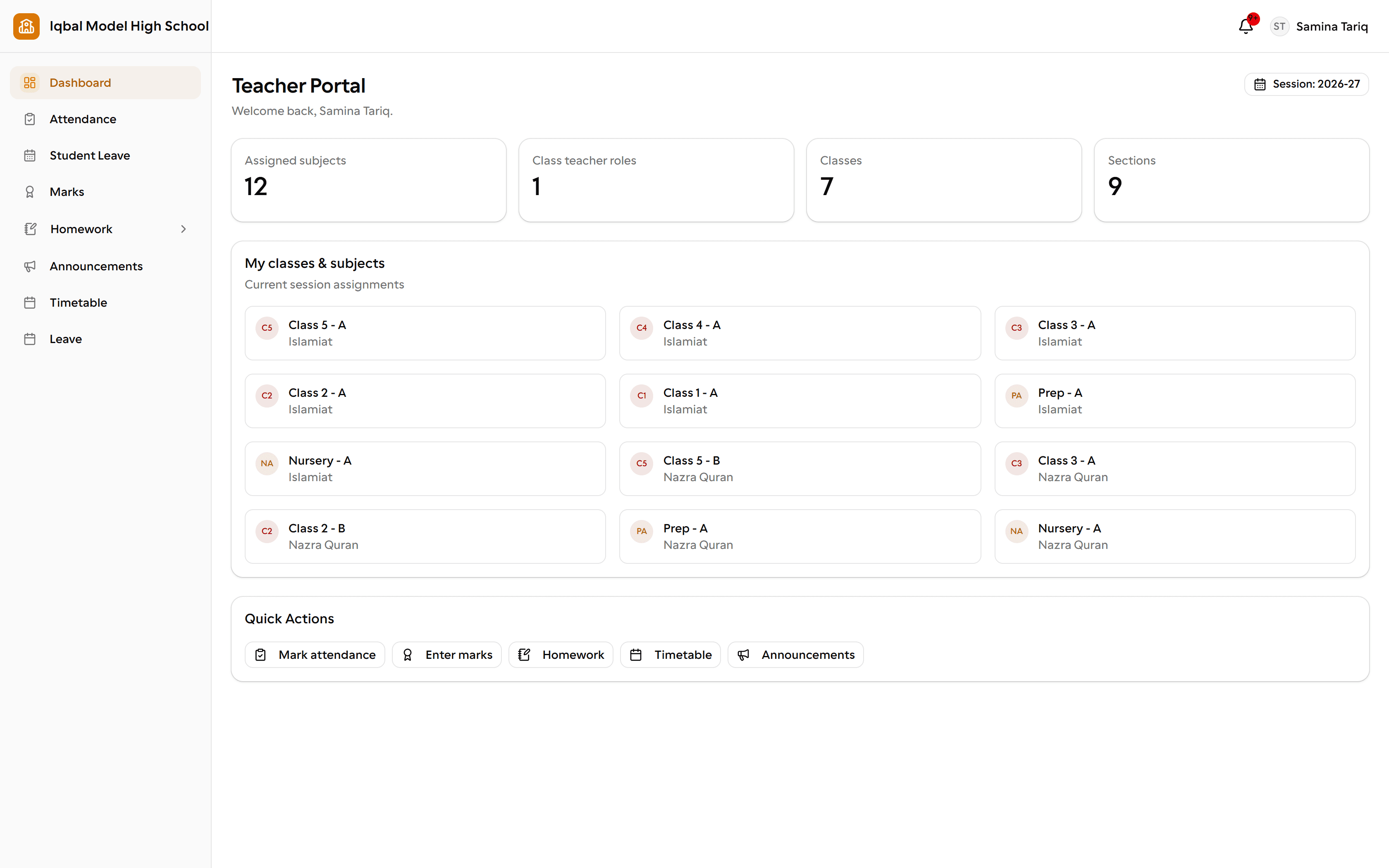
The EDUTIG teacher portal. Four tiles count 12 assigned subjects, 1 class teacher role, 7 classes and 9 sections. Below them, a card for each class and subject the teacher takes, and quick actions for marking attendance, entering marks, homework, the timetable and announcements.
The teacher portal: only the classes and subjects that teacher is assigned.

Other staff

Self-service for non-teaching staff: their own attendance record and leave requests.

What they see

  • Their own attendance
  • Their own leave requests and balances
  • School announcements
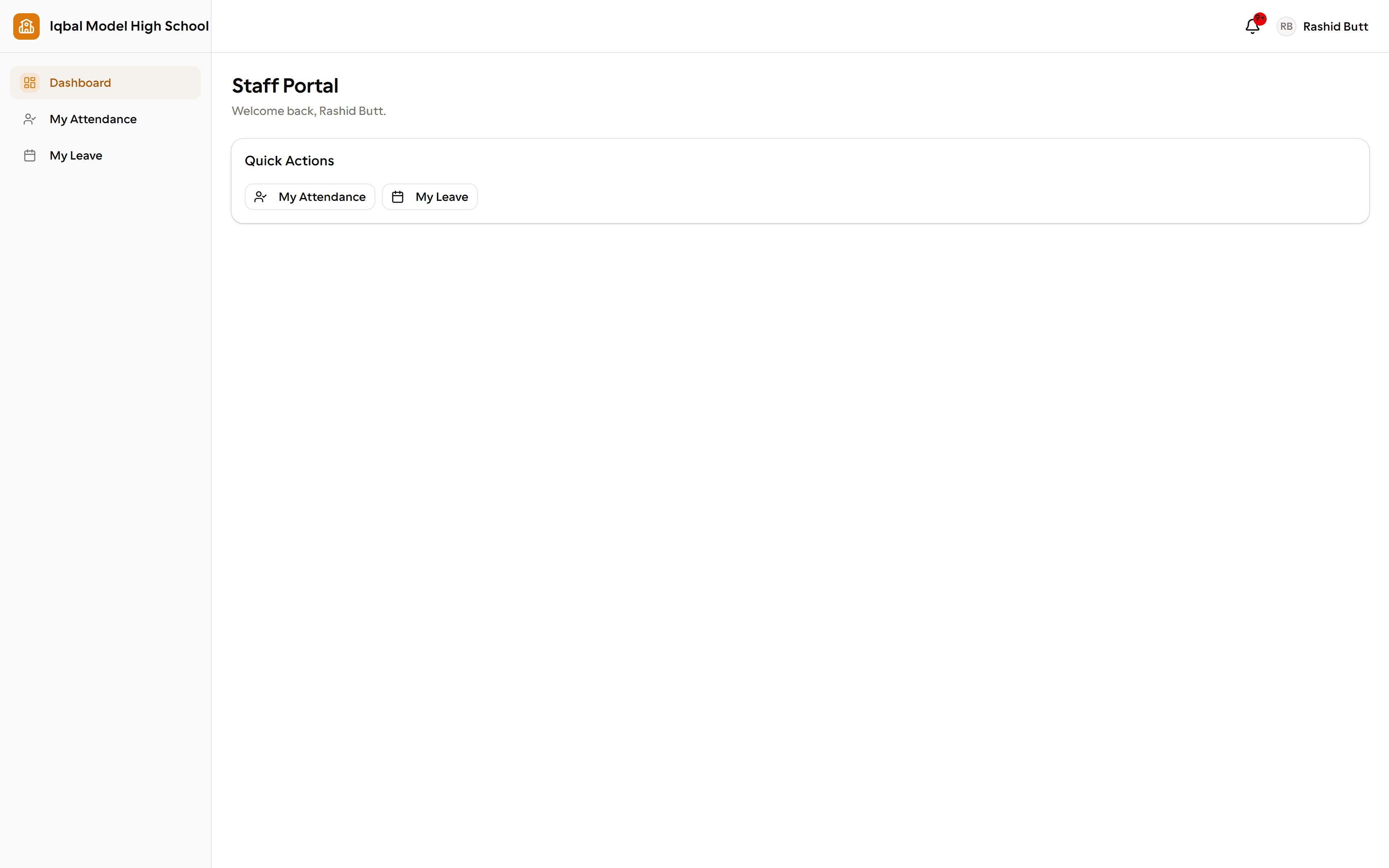
The EDUTIG staff portal for a non-teaching employee. The whole portal is two areas, My Attendance and My Leave, which is the least-privilege role working as intended.
The staff portal: for non-teaching staff, their own attendance and leave, and nothing else.

Students

What a student needs day to day: the timetable, homework, attendance, results and announcements.

What they see

  • Their own timetable and homework
  • Their own attendance and results
  • Announcements for their class
  • Their transport route, where transport is used
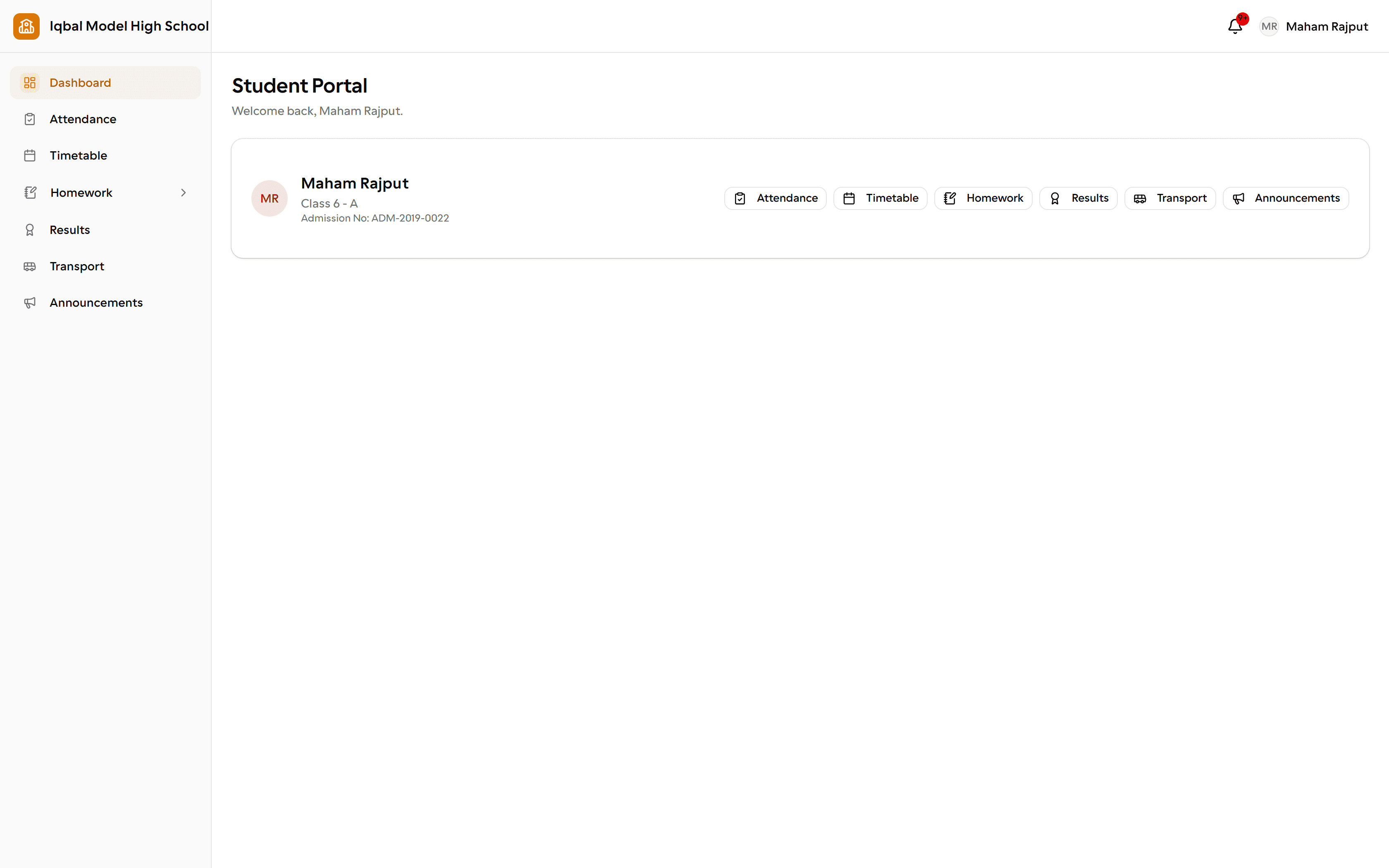
The EDUTIG student portal. A card shows the student's name, class and section and admission number, with links to attendance, timetable, homework, results, transport and announcements.
The student portal: one student's own timetable, homework, attendance and results.

Parents

One sign-in covering every child a parent has at the school, without switching accounts.

What they see

  • Each child's attendance, homework and results
  • Fee information for each child
  • Announcements from the school
  • Leave requests for their child
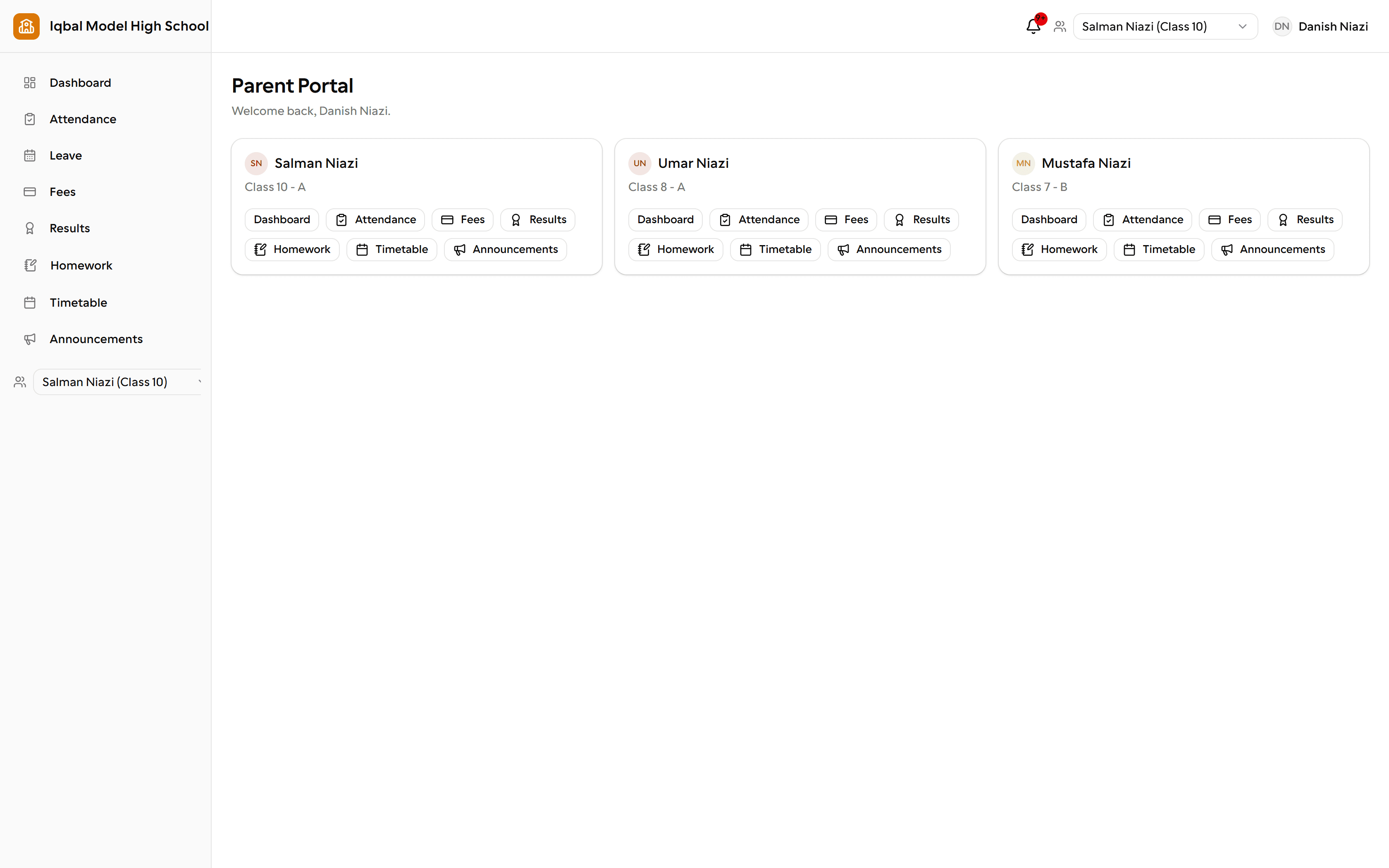
The EDUTIG parent portal. A card for each of three children shows the child's name and class, with links to their dashboard, attendance, fees, results, homework, timetable and announcements. A switcher at the top selects which child the rest of the portal shows.
The parent portal: every child a parent has at the school, on one sign-in.

Who can see what

Access follows the role you give someone. You create roles and decide which areas each one may use, so the accounts office and a class teacher do not share a view.

If you run more than one campus, talk to us about how access should work across them before you set it up. We will tell you plainly what is handled today and what needs a manual arrangement.

See EDUTIG with your own school in mind

Tell us how your school works today and we will show you the parts of EDUTIG that matter to you, using your questions as the agenda.

Every module

Twelve areas, one set of records behind all of them.

Compare them all